Chairful adds a notification when a client creates, reschedules or cancels an online booking.
Open notifications
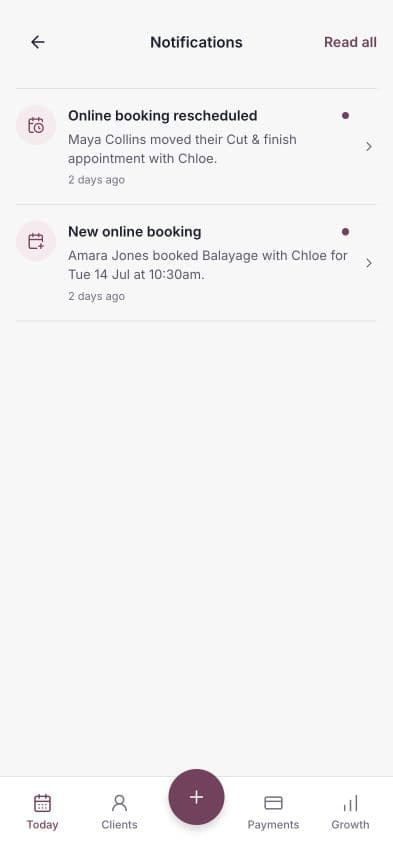
From Today, choose the bell in the top-right corner. A badge on the bell shows how many notifications are unread.
Unread notifications are highlighted in the list. Each item explains what changed and when it happened.
Open the related appointment
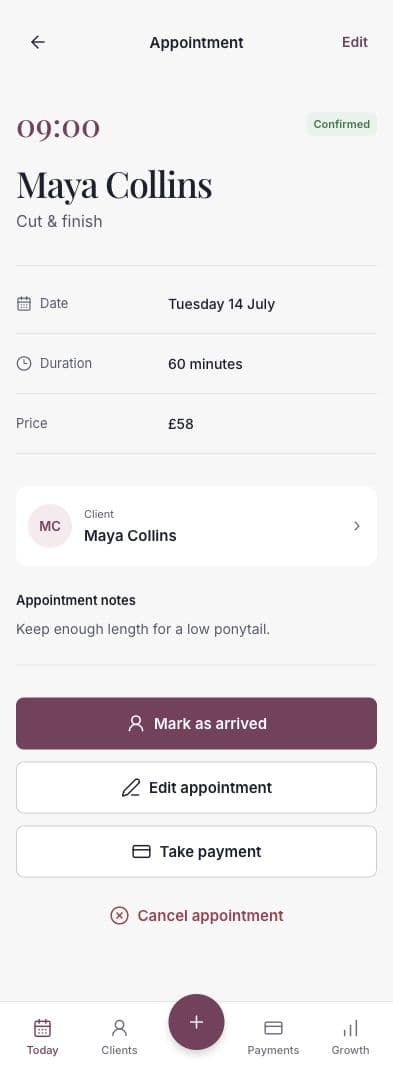
Choose a notification with an appointment arrow to open the related appointment. Review the client, service, date, time and current status.
Mark notifications as read
Opening a notification marks it as read. When unread items remain, choose Read all at the top of the Notifications screen to clear them together.
Reading a notification does not change the appointment itself.
What appears here
The inbox is for important booking activity, including:
- A new online booking.
- A client rescheduling a booking.
- A client cancelling a booking.
The diary remains the source of truth for the current appointment time and status.